Corporate accounts
All your company's ground trips in one place
Compare provider fares for company rides worldwide. Book for employees and guests with company cards, and keep invoices and trip reports together.
- Compare provider pricesChoose from the fares available for each company trip.
- Worldwide coverageBook company rides in cities and airports around the world.
- Company cards and invoicesPay by company card; include your VAT and PO numbers on invoices.
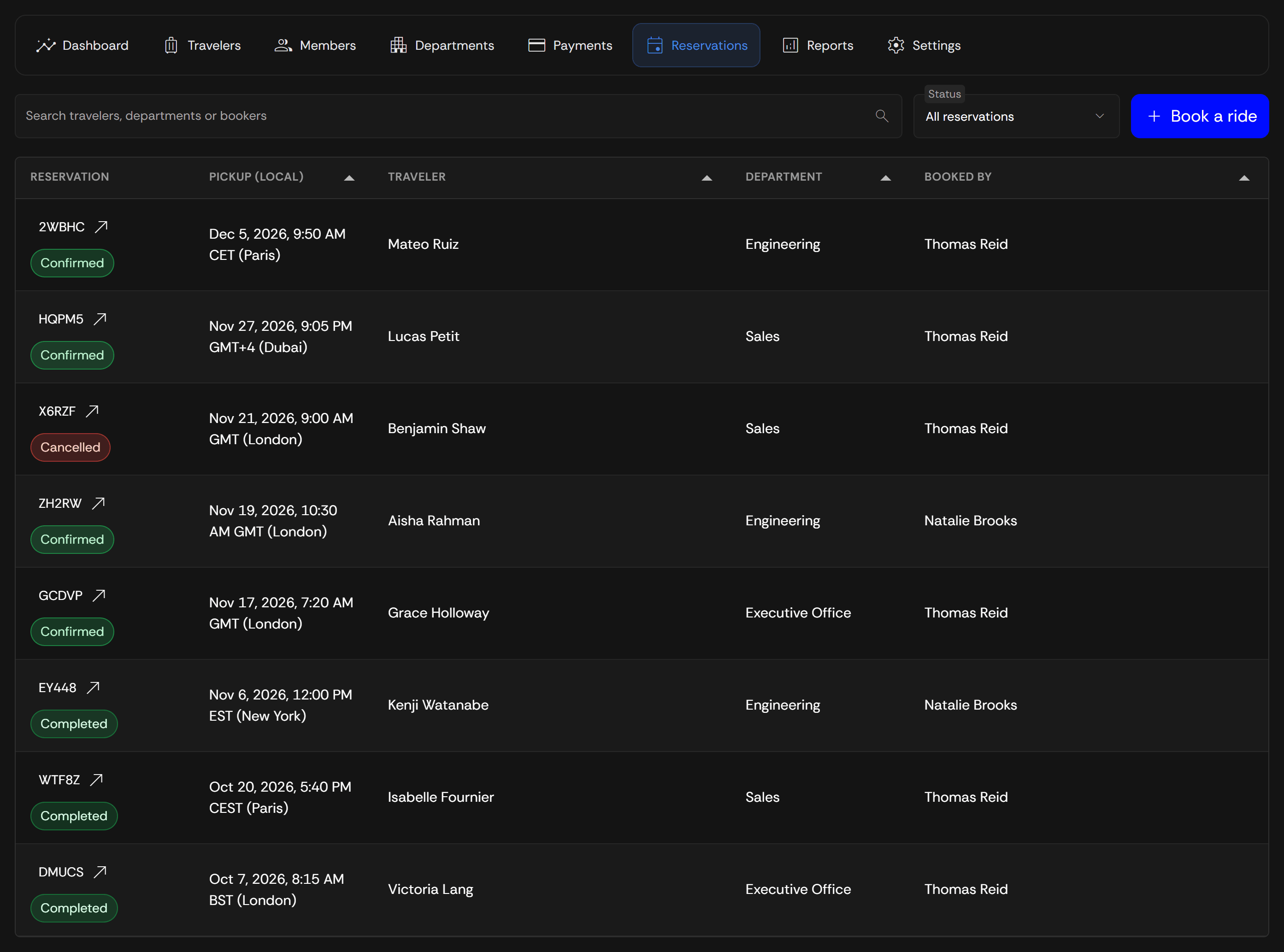
- CSV trip reportsFilter trips by Traveler, Department, or status and export the results.
Arrange travel for your whole team
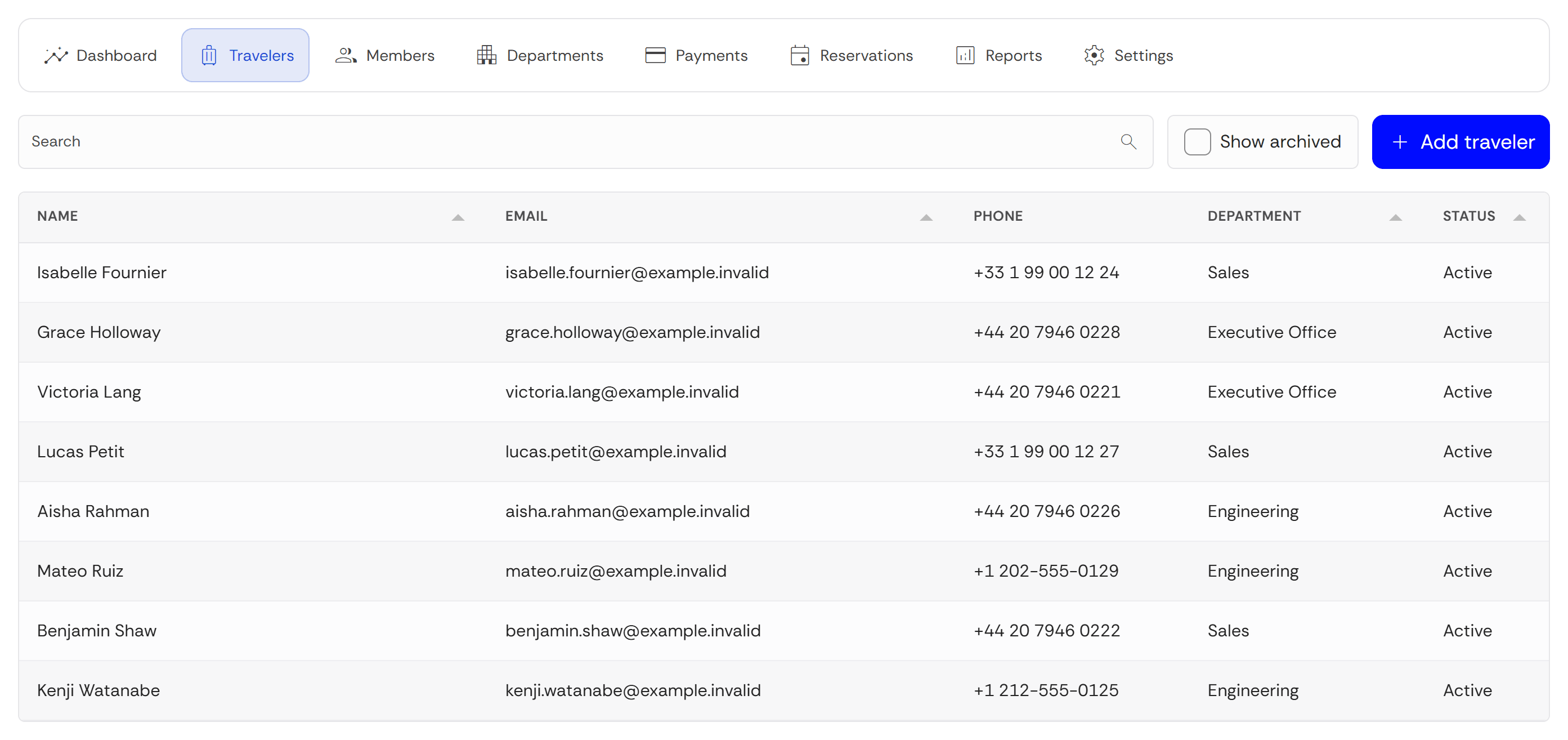
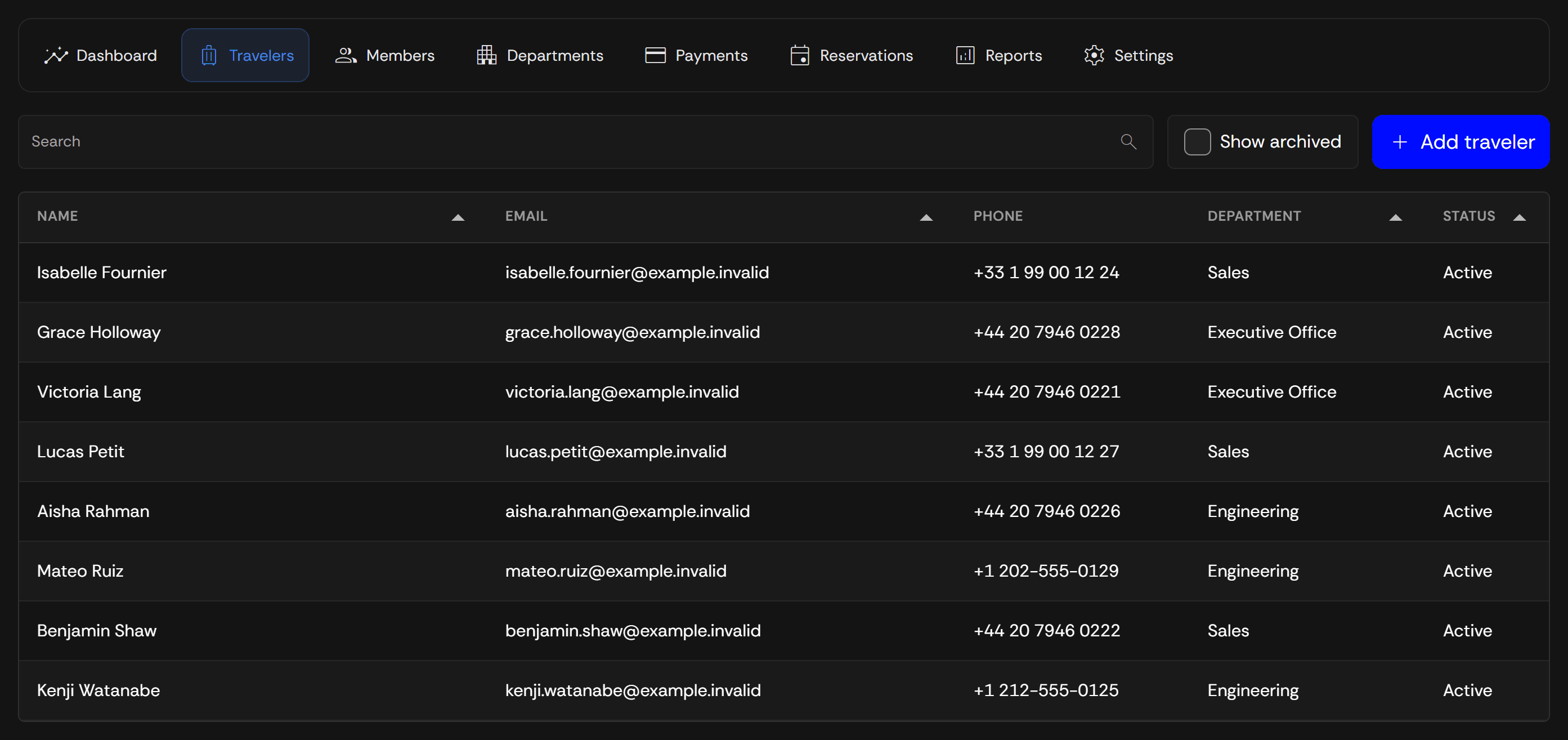
Save employee and guest details for repeat bookings, and give your team permission to arrange their rides.
Saved traveler profiles
Keep employee and guest details ready for the next booking.
Book for colleagues
Authorized Bookers arrange rides for the active Travelers in your company account.
Company travel controls
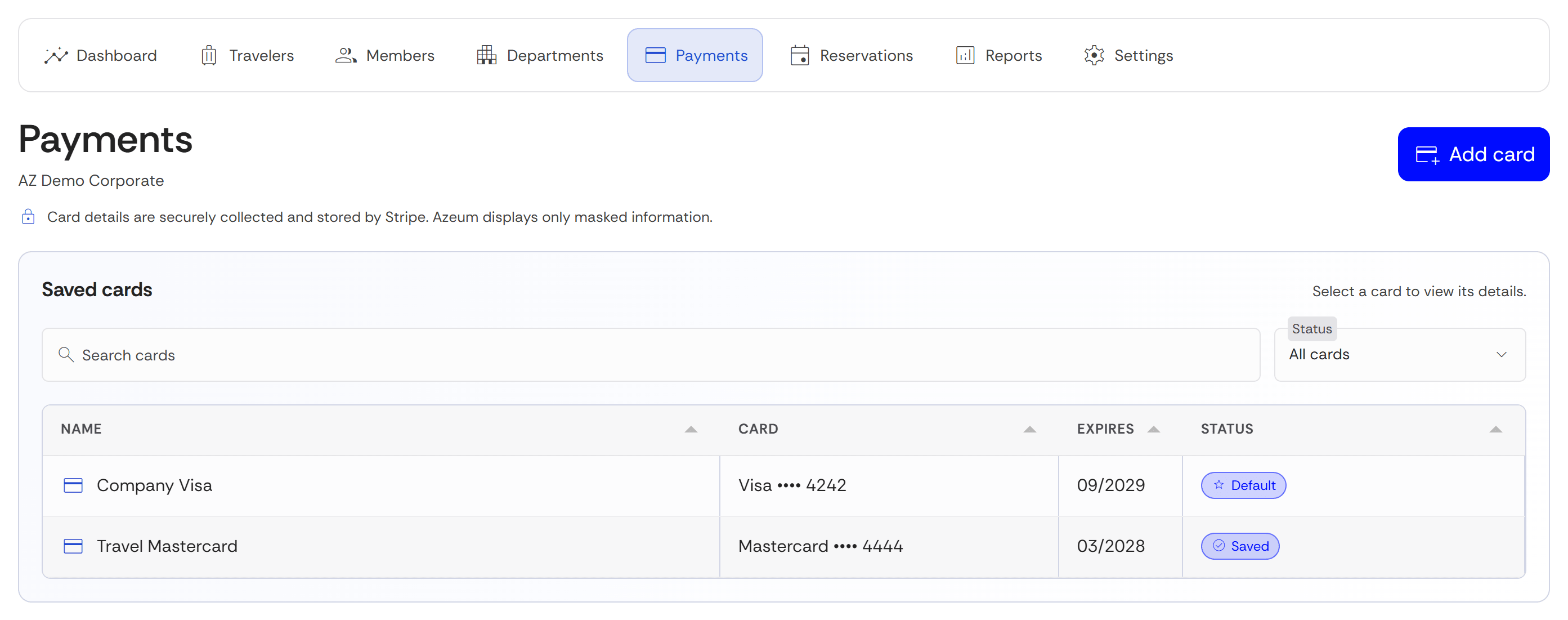
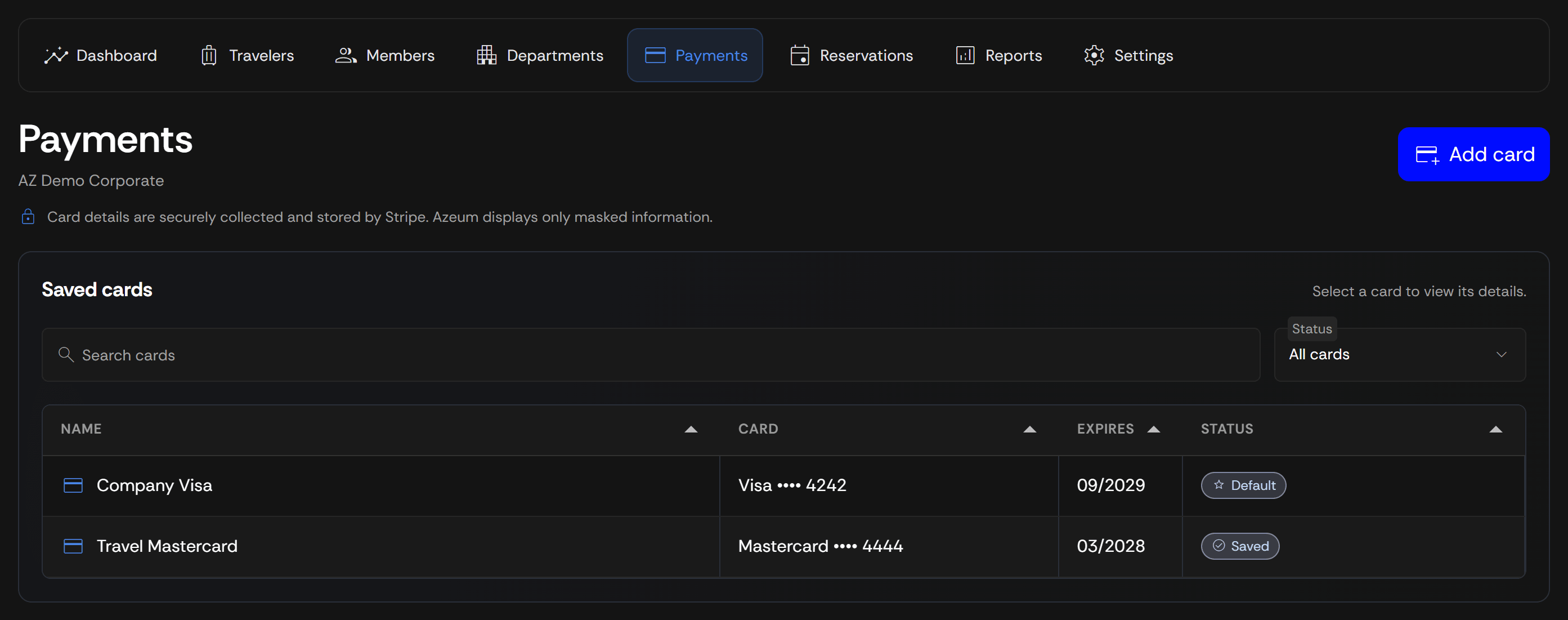
Manage members and permissions, choose allowed vehicle categories, and maintain company cards.
Department reporting
Group Travelers by Department to organize booking records and review trips by team.
Pay and keep records in the company name
Company cards
Your Owner and Admins manage company cards. Authorized Bookers select saved cards with masked details.
Compare fares for each trip
See available provider prices side by side and review the total and service terms before payment.
Company invoices
Invoices use your company's legal name, billing address, and VAT number. Add a purchase order number if needed.
Inside your Corporate account
Review company travel
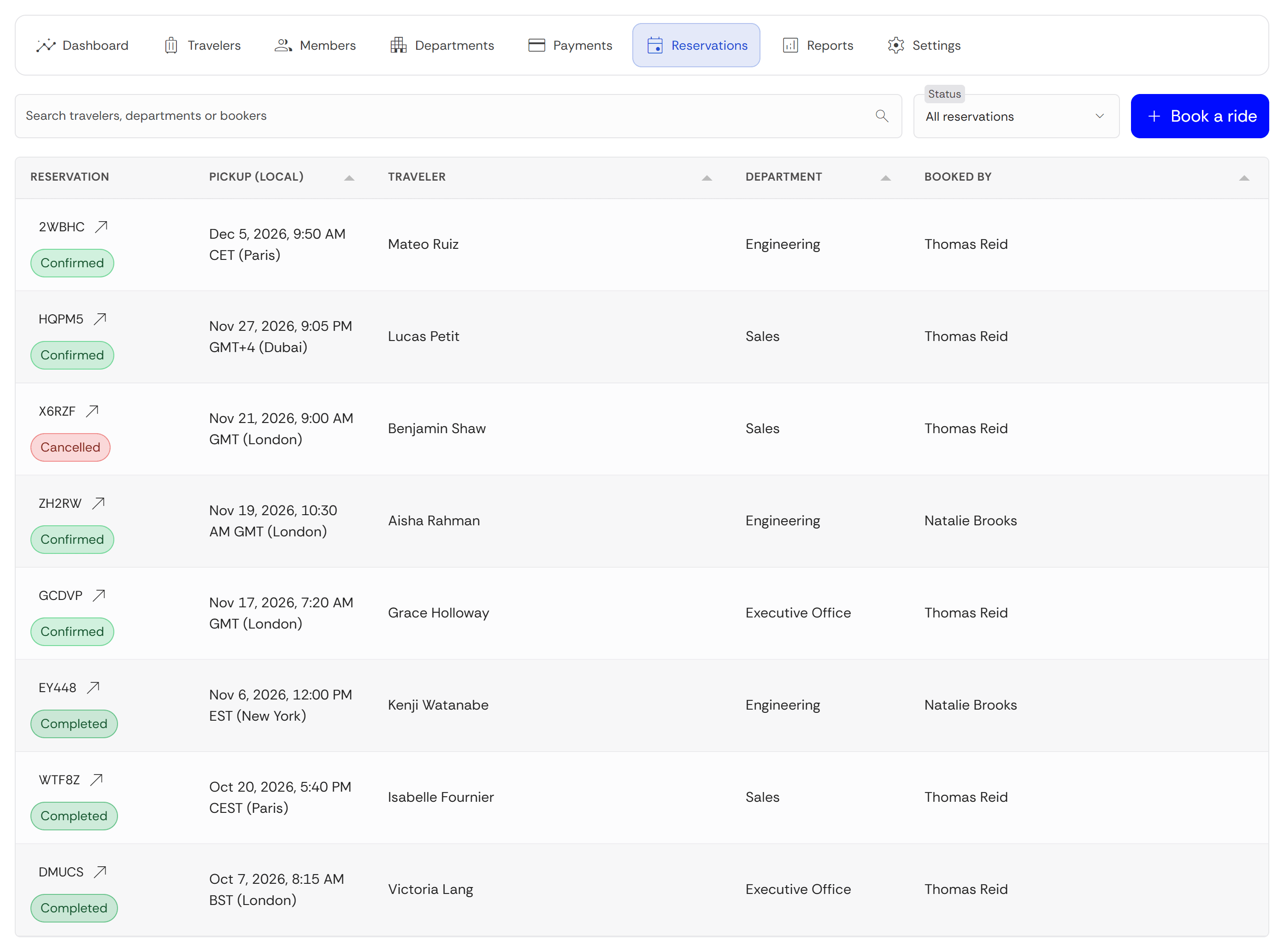
Filter trips by Traveler, Department, and status. Review paid totals in each currency and export the results to CSV.
Trips you arrange for work
Executive arrivals
Arrange an airport ride to the office or hotel before a business visit.
Guest pickups
Book a ride for a visiting client and save their details as a company Traveler.
Roadshows and meetings
Book hourly chauffeur service for a planned schedule of meetings, where available.
Conferences and events
Arrange trips to the venue and keep the reservations in your company account.
Set up company travel
Apply
Tell us about your company and the trips you book for employees and guests.
Azeum review
Azeum reviews your application before linking Corporate access to a verified account.
Set up and book
Add Travelers and authorized members, save company cards, and book your first ride.
Corporate account questions
Compare available provider fares and book rides for active Travelers worldwide. Use company cards and keep invoices and trip reports in one account. Give authorized members separate roles and group Travelers into optional Departments. Personal records and other companies' records stay separate.
Bookings paid with a company payment method are invoiced in the company's legal name, with its billing address and VAT number. You can add a purchase order number in Booking details for the invoice. Departments are available; cost centers and purchase approvals are not offered.
No. Corporate rides are paid by card at the time of booking, including with saved company cards. Your Owner or Admin manages those cards, and authorized Bookers select them using masked details.
Bring company ground travel together
Compare rides worldwide and keep company payments, invoices, and trip reports in one account.